
It is free to create an account and try the platform. Use START321 if you choose to upgrade later.
A new learning platform for school and home
Create. Teach. Inspire. Learn.
Create lessons, quizzes, courses, annual plans and learning activities in minutes.

Choose your path
What fits you best?
Start with the role closest to what you need right now. Read more or jump straight in and try it.
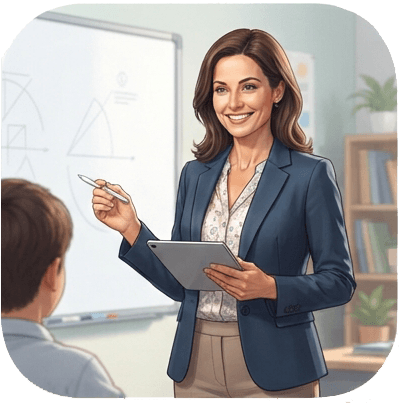
Teacher
+−Smart tools for modern teachers.
Teacher
+−Smart tools for modern teachers.
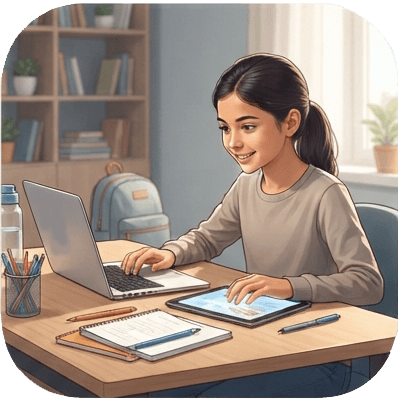
Learner / student
+−For pupils, students and adults who want to learn independently.
Learner / student
+−For pupils, students and adults who want to learn independently.
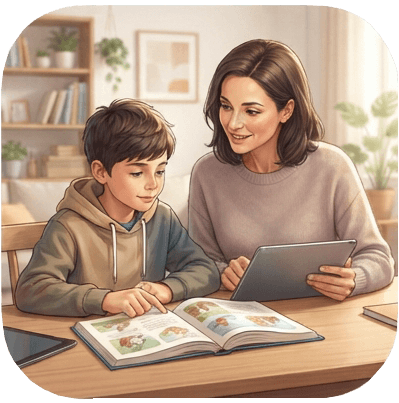
Parent
+−Support learning at home with your own spaces and tasks.
Parent
+−Support learning at home with your own spaces and tasks.
Read as much as you want from the library
It’s free.

A Quiet Sunday Evening
Everyday story

Fake News
Factual

I like to travel
pattern sentences

I pick up litter
pattern sentences

I think about my home
pattern sentences

I was happy
pattern sentences
A Quiet Sunday Evening
Everyday story
Fake News
Factual
I like to travel
pattern sentences
I pick up litter
pattern sentences
I think about my home
pattern sentences
I was happy
pattern sentences

John and Elsa at the Beach
Everyday story

Sound training – long u / cute
sound reading ladder

Sound training – th
sound reading ladder

Thomas and Judy's Train Trip
Everyday story

What is Sustainable Development?
Factual
John and Elsa at the Beach
Everyday story
Sound training – long u / cute
sound reading ladder
Sound training – th
sound reading ladder
Thomas and Judy's Train Trip
Everyday story
What is Sustainable Development?
Factual
Create quizzes on 321
A new alternative for classroom quizzes.
Create quizzes in minutes or choose one from the library. Start live on the board, show a QR code and let students answer on their own devices.
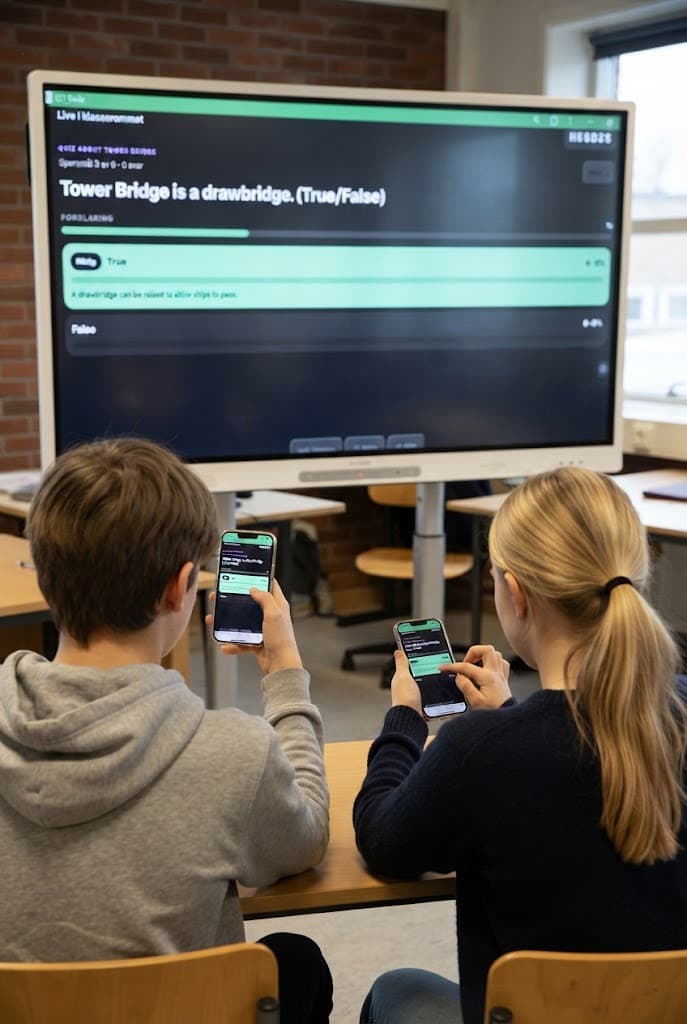
Live on the board
Classroom quiz
Students answer
Phone, tablet or PC
AI support with the teacher in control
Create better lessons faster.
321school uses AI to help with text, level, tasks, images and feedback. You choose the content, adjust the direction and decide what students see.

AI that helps
Teacher in control
Time saved
More time for students
From idea to lesson
Start with a topic, text or goal and get a draft you can edit.
Adapt to level
Simplify text, translate, create audio or explain it again.
Feedback without a blank page
Get suggestions for assessment language, responses and next steps.
The teacher decides
AI suggests. You review, adjust and publish.
One lesson. Two ways to use it.
Share it digitally. Or print it. You decide.
Create the lesson once. Use it on screen, in the classroom, at home or on paper.
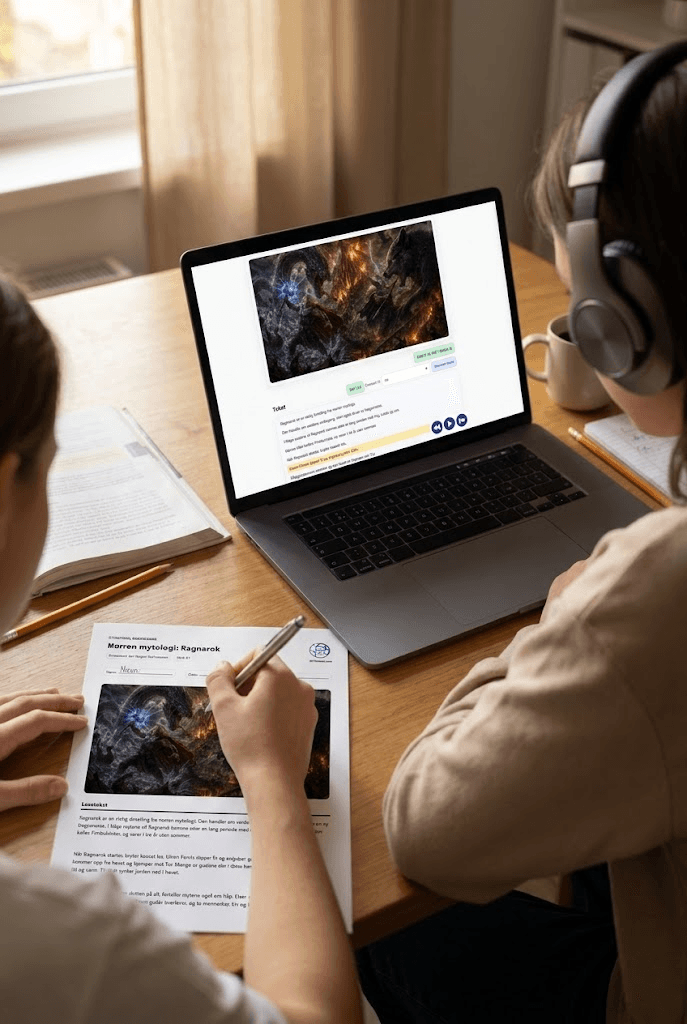
Digital
Share with the class
Print and use
Digital submission
Students read, answer and get feedback from the teacher, with AI as support
Ready as PDF
Perfect for paper, substitutes, homework or classroom use.
Spaces bring teaching together
Classes, tasks and answers in one place.
Create Spaces for classes, groups or courses. Share lessons, quizzes and tasks, and see who has started, submitted and needs follow-up.
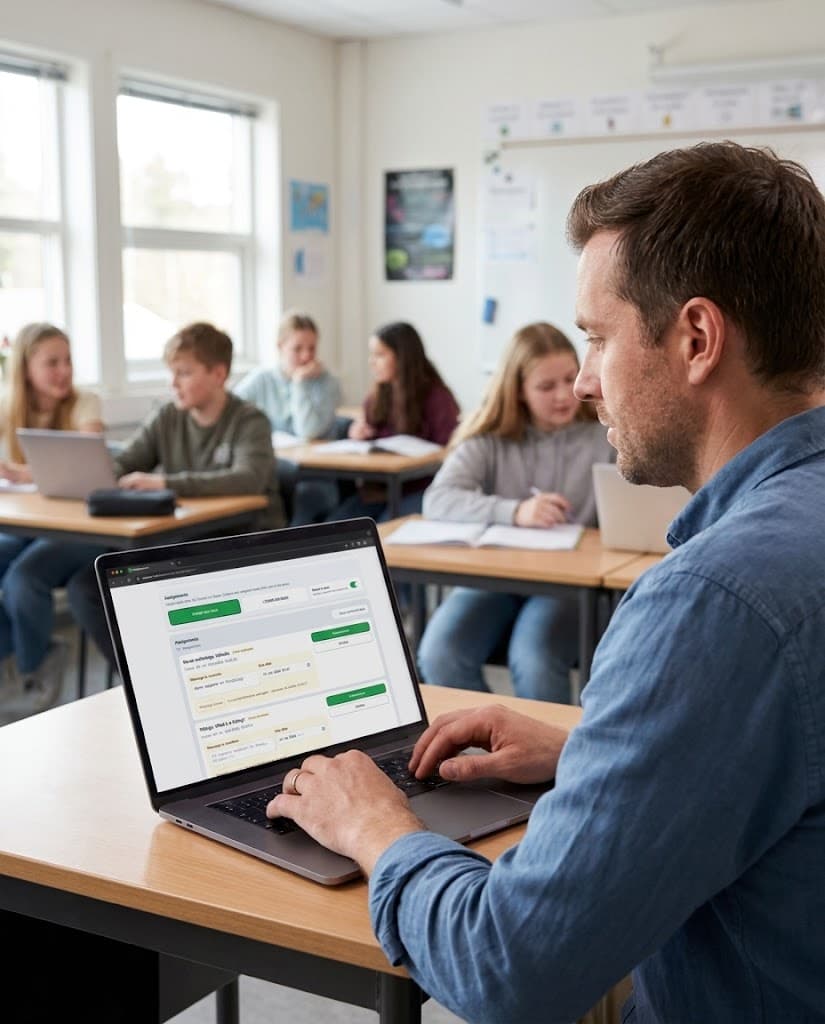
Spaces
3A · 3B · Language group
Status
Submitted · Started
More time for students
Less of the boring work. More of the fun.
321school brings together the things teachers spend time on every week: lessons, quizzes, board activities, annual plans, assessment, printouts and digital assignments. Less searching, copying and pasting. More time for teaching, conversations and students.

More time for students
Better learning
For teachers
Plan faster. Follow up better.
Create lessons, share them with your class and keep track of work, answers and support needs — without losing the thread.
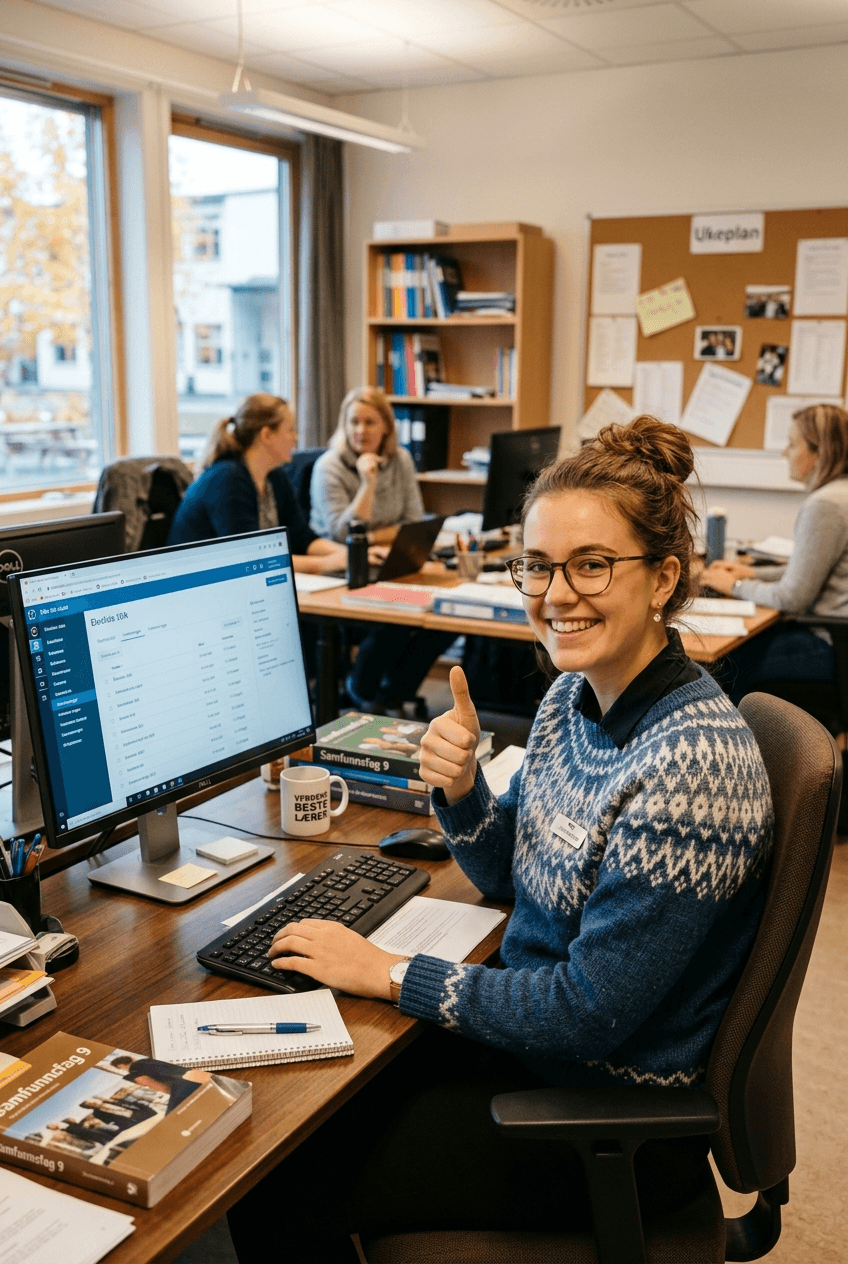
Plan ready
Lesson · Quiz · PDF
Overview
Answers · Status · Feedback
Plan in minutes
Create lessons, quizzes and tasks from a topic, goal or your own content.
Share the way you need
Send digitally in Spaces, use on the board or print as PDF.
See who needs you
Follow status, answers and submissions without checking multiple systems.
Faster response
Get support for assessment language, explanations and next steps.
For parents and guardians
Make learning at home simpler and more fun.
Create learning spaces, share tasks and make small quizzes for homework, revision or birthdays. Follow the work and give safe support along the way.
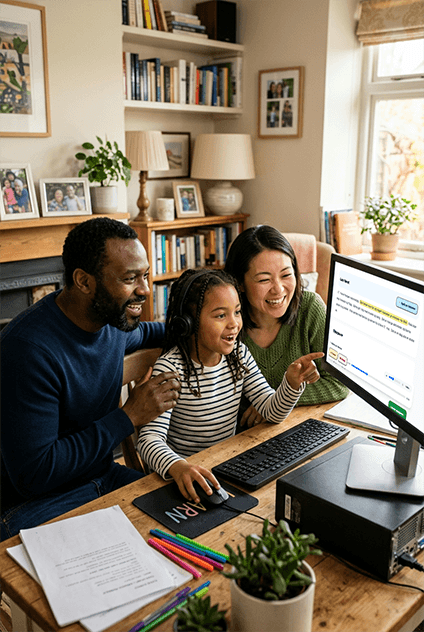
Learning at home
Tasks · Quizzes
Encouragement
Stars · Smiles · Feedback
Personal learning spaces
Keep your child’s tasks, texts and quizzes in one place.
Quizzes for learning and fun
Make quizzes for homework, revision, language practice or birthdays.
Help when you get stuck
Get support with text, explanations, questions and adaptation.
Follow up with warmth
Use stars, smileys and short comments along the way.
For learners / students
Learn at your own pace. Get help when you need it.
Read texts, listen, translate, create your own tasks and get explanations as you work. Perfect for school, languages, adult education or self-study.
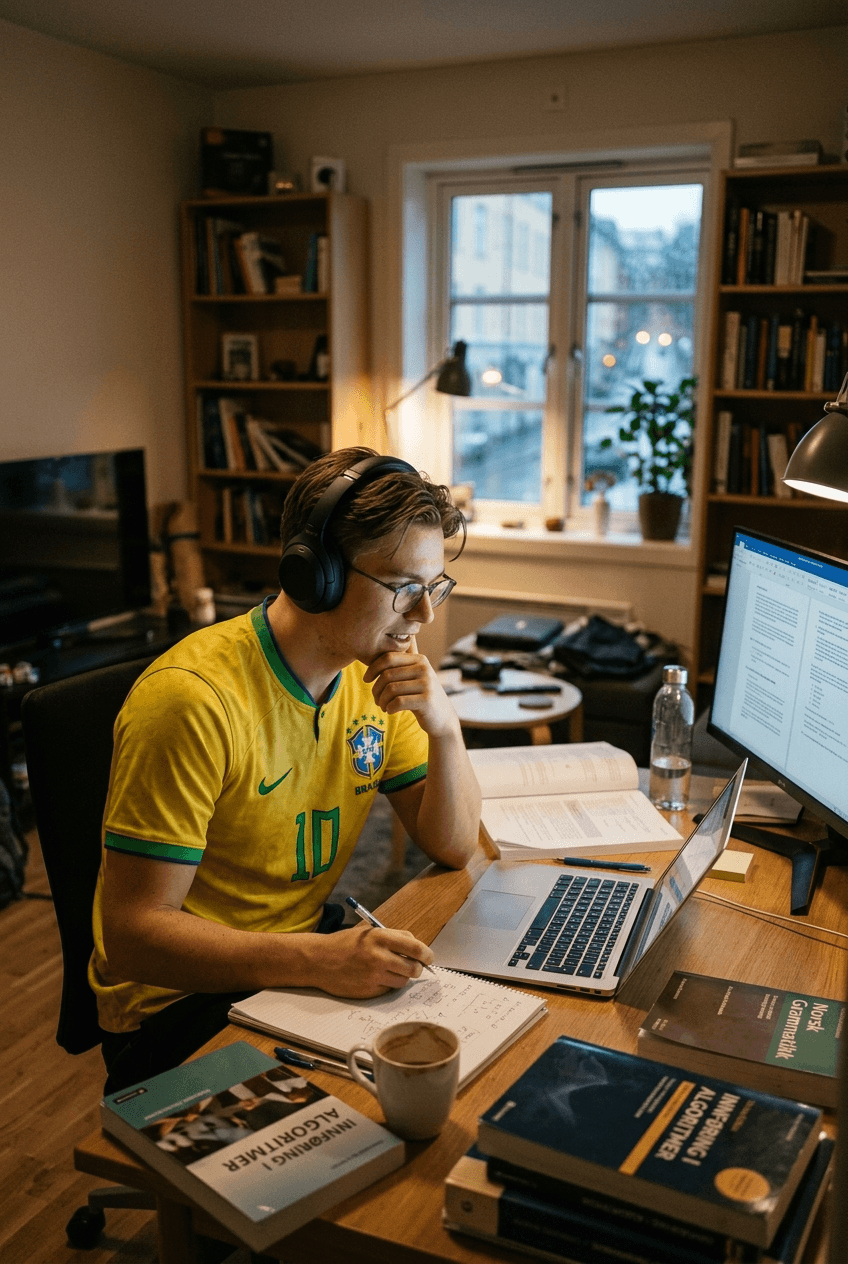
Self-study
At your pace
Feedback
Instantly
Create your own tasks
Practise a text, topic or question you want to master.
Language support as you work
Read, listen, translate and get words explained.
Understand your mistakes
Get explanations, not just right or wrong.
Quizzes and feedback
Create quizzes and get tips on what to practise next.
Learn languages at your level
Read, listen and understand more — at your level.
Find texts that fit your level. Translate when you get stuck, listen while you read and get explanations that help you move forward.
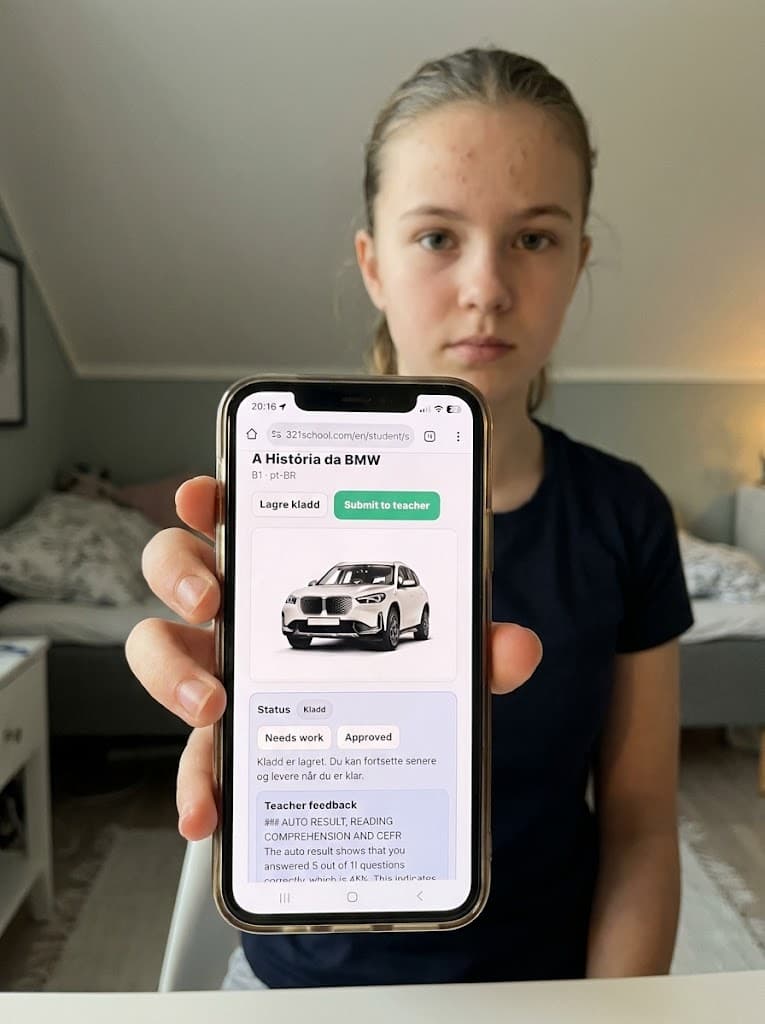
Level
A1 · A2 · B1
Help
When you need it
Texts that fit
Choose texts from A1 to B2 and work at the right pace.
Your first language as support
Translate words, sentences and explanations when you need it.
Listen and understand
Hear the text while you read, and practise pronunciation, fluency and understanding.
Answers with explanation
Get feedback that shows what you can improve.
Ready to get started?
One learning platform for lessons, quizzes, Spaces, language support, board activities, printouts and feedback.
Free to start. Upgrade only when you need more capacity.
What you get from day one